
10 free After Effects files. Use them today.
Real project files from my Easy Peasy tutorials, plus 3 free tools I use every day. Open, change the text, render.
- 7 product-ad project files (each with a step-by-step video)
- 1 glowing glass button in 4K
- 2 free tools: PeasyKit Lite panel + Social Sizes script
- Works with built-in After Effects effects only
The 10 files
Download any file now, or get all 10 by email above. 2 new free templates every 2 weeks.
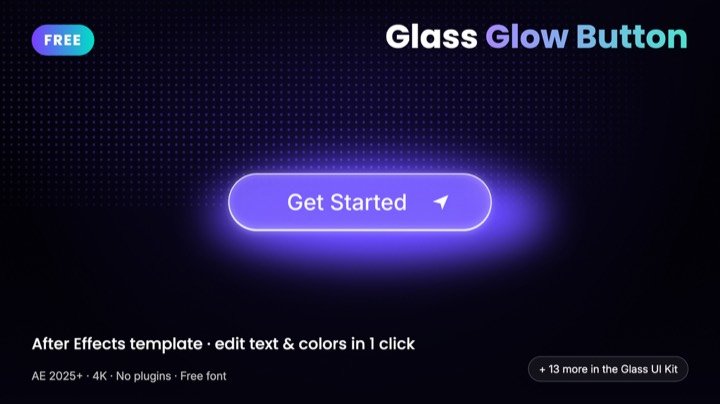 4K TEMPLATE
Glass Glow Button
A 4K glowing glass button. Change the text and color in 1 minute.
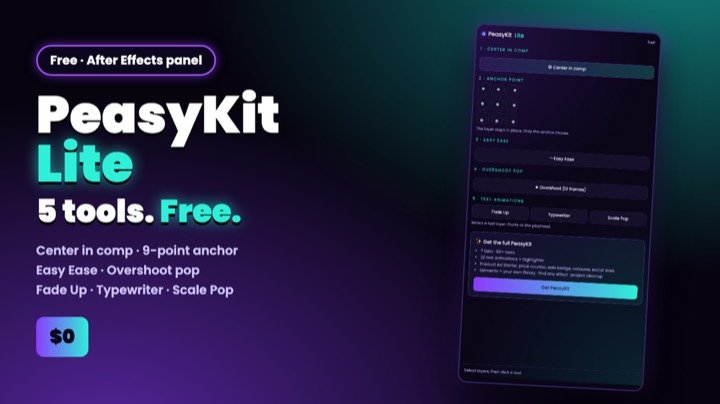 AE PANEL
PeasyKit Lite
5 one-click tools inside After Effects: center, anchor, easy ease, overshoot + text animations.
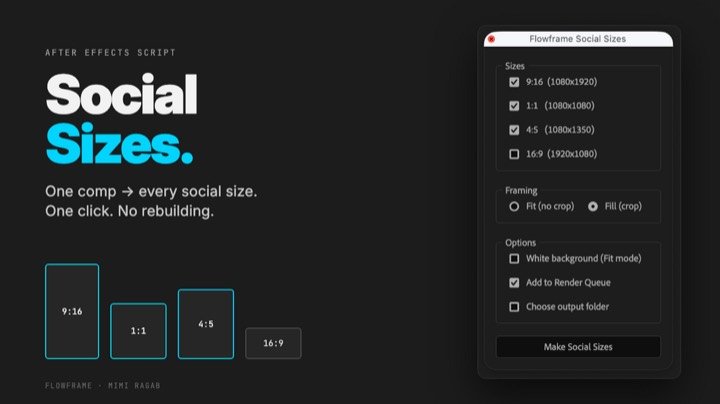 AE SCRIPT
Social Sizes script
One comp → 9:16, 1:1, 4:5 and 16:9 in one click, ready in the Render Queue.
 PROJECT FILE
Motion Graphics Product Ads in After Effects (Social Media Poster)
An animated social media poster for a product: the product moves in, the background and shapes animate, and the text pops in.
▶ 16 min tutorial PROJECT FILE
Motion Graphics Product Ads in After Effects — Part 2
Part 2 of the most popular tutorial on the channel: a new animated product poster for social media, built step by step.
▶ 12 min tutorial PROJECT FILE
Professional Product Motion Graphics in After Effects (No Plugins)
A professional product promo made only with built-in After Effects tools.
▶ 10 min tutorial PROJECT FILE
Skincare Product Ad in After Effects
A clean skincare and cosmetics product ad: an animated bottle mockup with soft motion and text.
▶ 8 min tutorial PROJECT FILE
Product Advertising Promo in After Effects
A dynamic product advertising promo you can use for personal and commercial projects.
▶ 11 min tutorial PROJECT FILE
Product Promo for Social Media (Instagram Story) in After Effects
A product sale promo for Instagram stories.
▶ 16 min tutorial PROJECT FILE
Product Ad for a Social Media Post in After Effects
A product ad made as an animated social media post: product, background and text that move together.
▶ 15 min tutorialHow it works
Pick a file and click Download free (Gumroad asks for an email, you can pay $0).
Open the .aep in After Effects. Watch the tutorial if you want to learn how it was made.
Change the text, colors and product. Render and post.
Questions
Is it really free?
Yes. Every file is $0. On Gumroad you can type 0 in the price box. If you want to support the channel, you can pay what you want.
Which After Effects version do I need?
Most files open in After Effects 2020 or newer. Each file's page lists its version.
Do I need plugins?
No. The files use built-in After Effects effects only.
Can I use them for client work?
Yes, you can use them in your own and your clients' videos. You can't resell or share the project files themselves.
Who makes these?
Mimi Ragab, motion designer and the teacher behind Easy Peasy For Tutorials on YouTube, and Flowframe Productions.