
Tutorials · After Effects · free project file
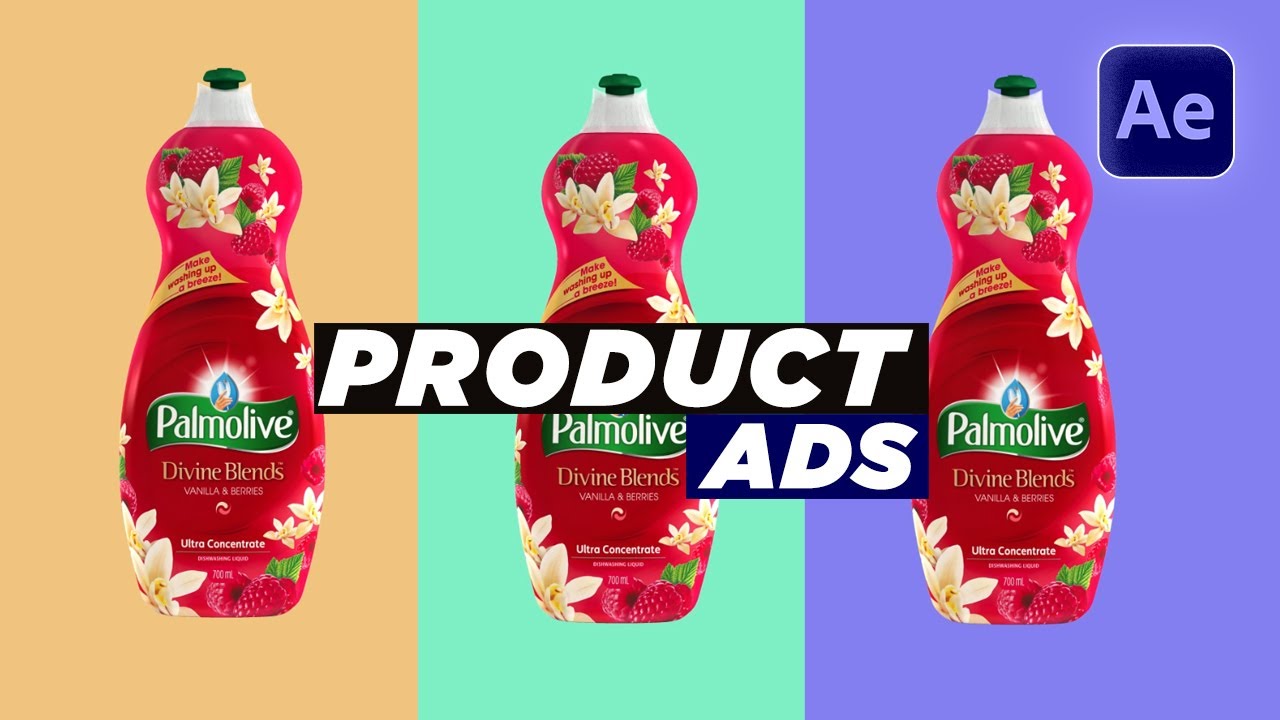
Professional Product Motion Graphics in After Effects (No Plugins)
▶
🎁 Free project file
Get the After Effects project from this tutorial. Pay $0 or any amount you like.
Get the free file →New tutorial every Saturday
Subscribe on YouTube, or get 1 free file + 1 tip every 2 weeks by email.
Subscribe on YouTubeFree newsletterWhat you'll make
A professional product promo made only with built-in After Effects tools. No plugins needed.
What you'll learn
- Product promo animation
- Built-in effects only, no plugins
- Clean brand-style motion
How to use the free file
- Click Get the free file and type $0 (or leave a small tip).
- Unzip the download and open the .aep project in After Effects.
- Play the video above and follow along. Pause after each part and try it yourself.
- Change the text, colors and product image to your own.
- Render: Composition → Add to Render Queue, then click Render.
Want it ready-made?
All 18 After Effects packs — $99Every template pack in one downloadAI → After Effects Pipeline KitTurn AI clips into finished product adsGlass UI Kit — $1914 glowing UI elements for SaaS & AI videos
More free tutorials
 FREE FILE
Motion Graphics Product Ads in After Effects (Social Media Poster)
16 min · 372K views
 FREE FILE
Motion Graphics Product Ads in After Effects — Part 2
12 min · 5,801 views
 FREE FILE
Product Ad for a Social Media Post in After Effects
15 min · 3,465 views
 FREE FILE
Skincare Product Ad in After Effects
8 min · 11K views
 FREE FILE
Product Promo for Social Media (Instagram Story) in After Effects
16 min · 1,795 views
 FREE FILE
Product Advertising Promo in After Effects
11 min · 12K views
 FREE FILE
Food Product Promo and Menu Opener in After Effects
24 min · 3,111 views
 FREE FILE
Easy Loop Animation in After Effects for Beginners
6 min · 1,525 views
 FREE FILE
3D Product Stage Promo Reveal in After Effects for Beginners
10 min · 2,293 views
Need a product video?